Welcome

Overview
Welcome to ComusThumbz (to be clear we are not the original developers of ComusThumbs, we used the script many years ago (its been 16 years since it was updated), liked it and wanted to bring it back. We started with the idea to just update it, however that quickly evolved into much, much more as you will see.
ComusThumbz: From TGP Script to Full-Featured Content Management System
ComusThumbs began in 2003 as a thumbnail gallery post (TGP) script -- a tool built for webmasters who needed to manage, crop, and display image thumbnails across gallery sites. By 2005, XBIZ recognized it as "considered by many to be the top performing TGP script solution," praised for its proprietary Productivity Booster technology that tracked clicks and automatically rebuilt sites to highlight popular content. Running on PHP4, MySQL, and ImageMagick, it offered gallery spidering, automated thumbnail creation, category-based traffic filtering, and an active community of webmasters sharing templates and optimization tips. At its core, Comus Thumbs solved a focused problem: getting the right thumbnails in front of the right audience, efficiently.
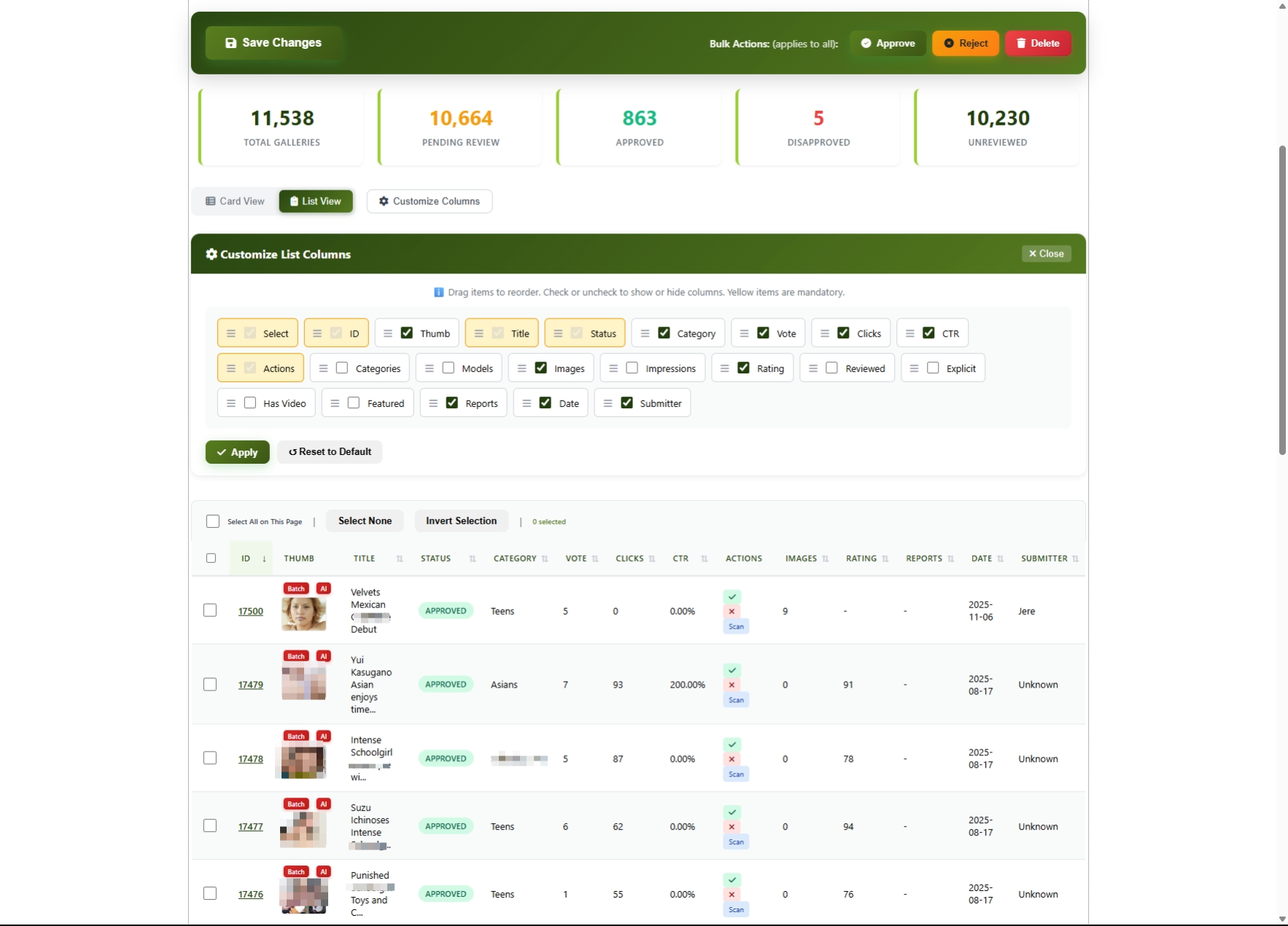
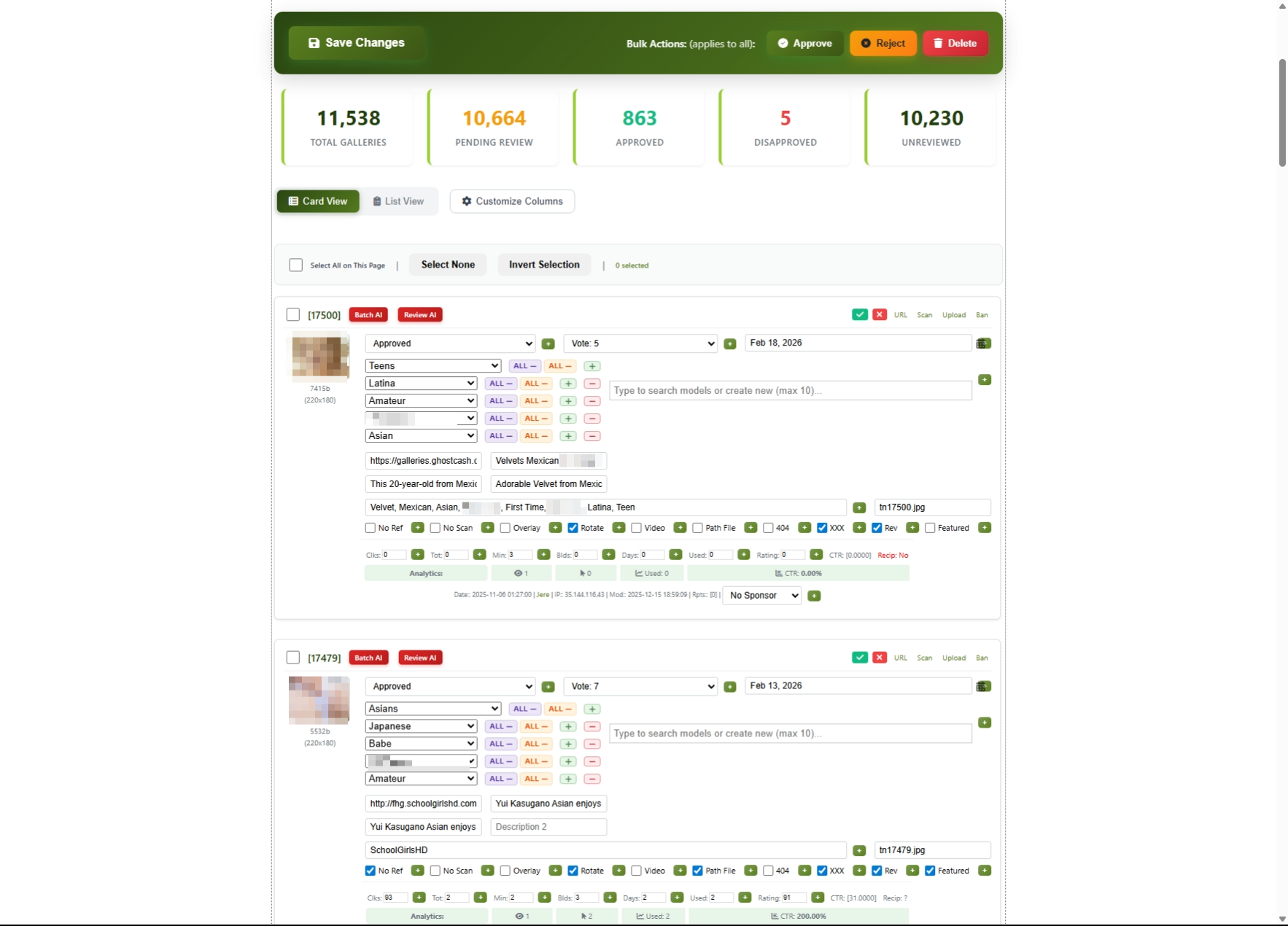
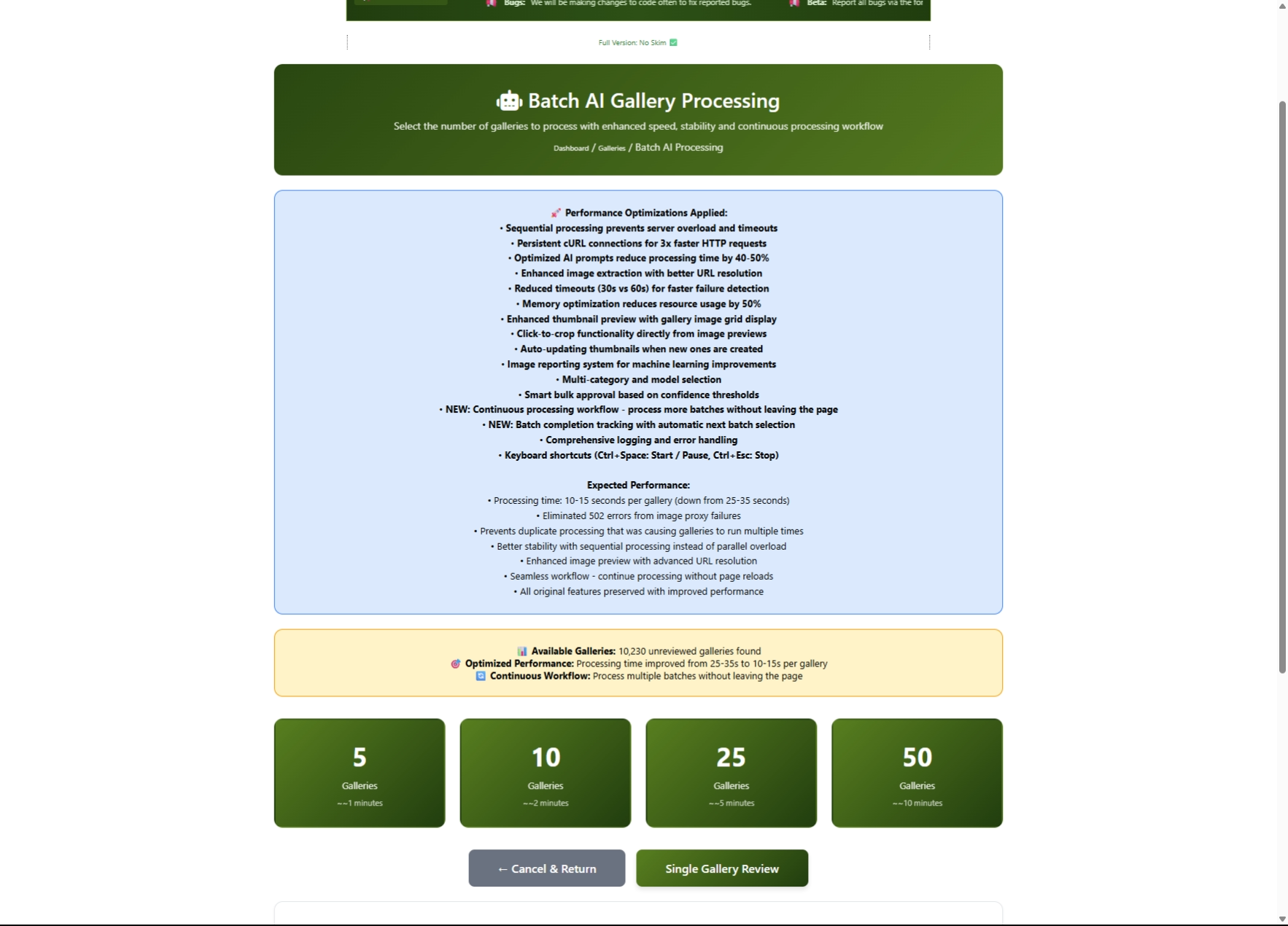
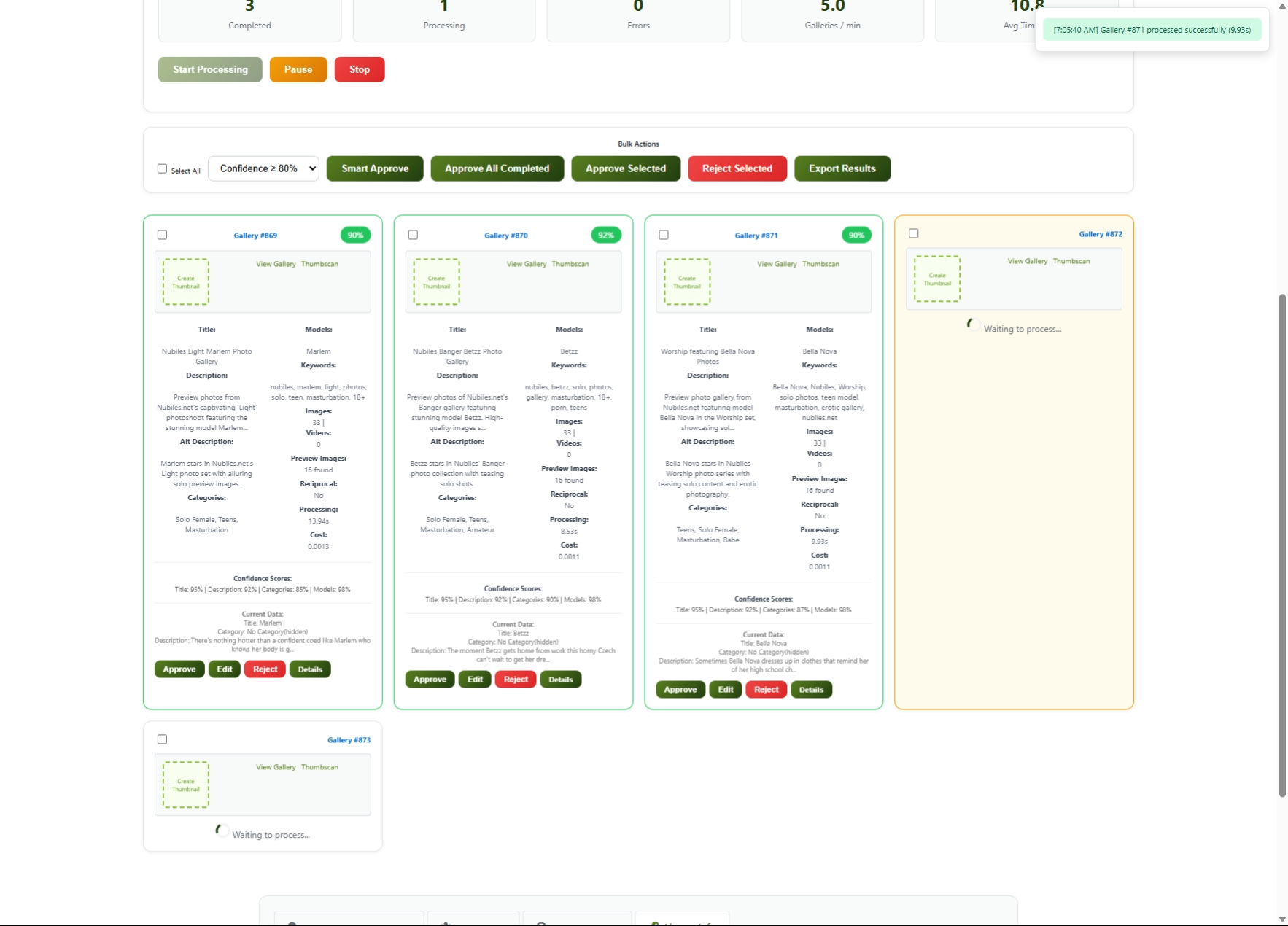
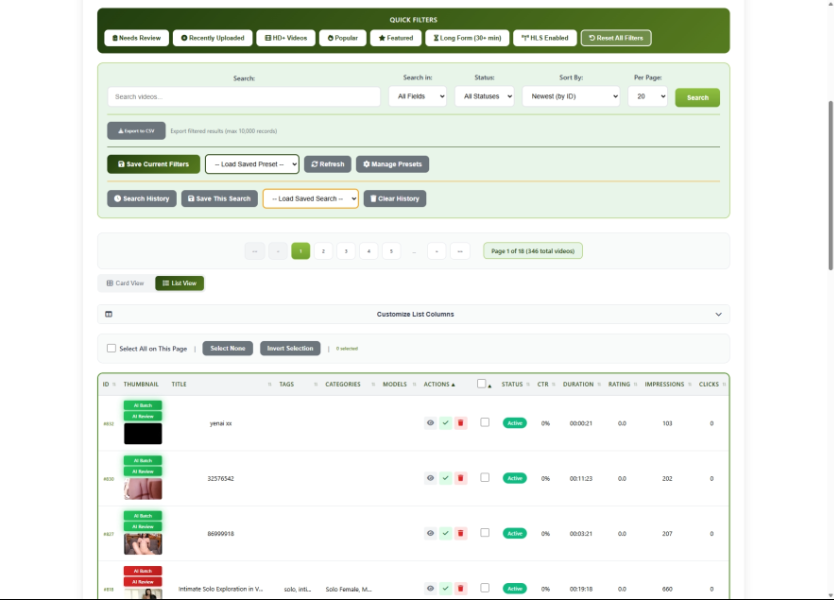
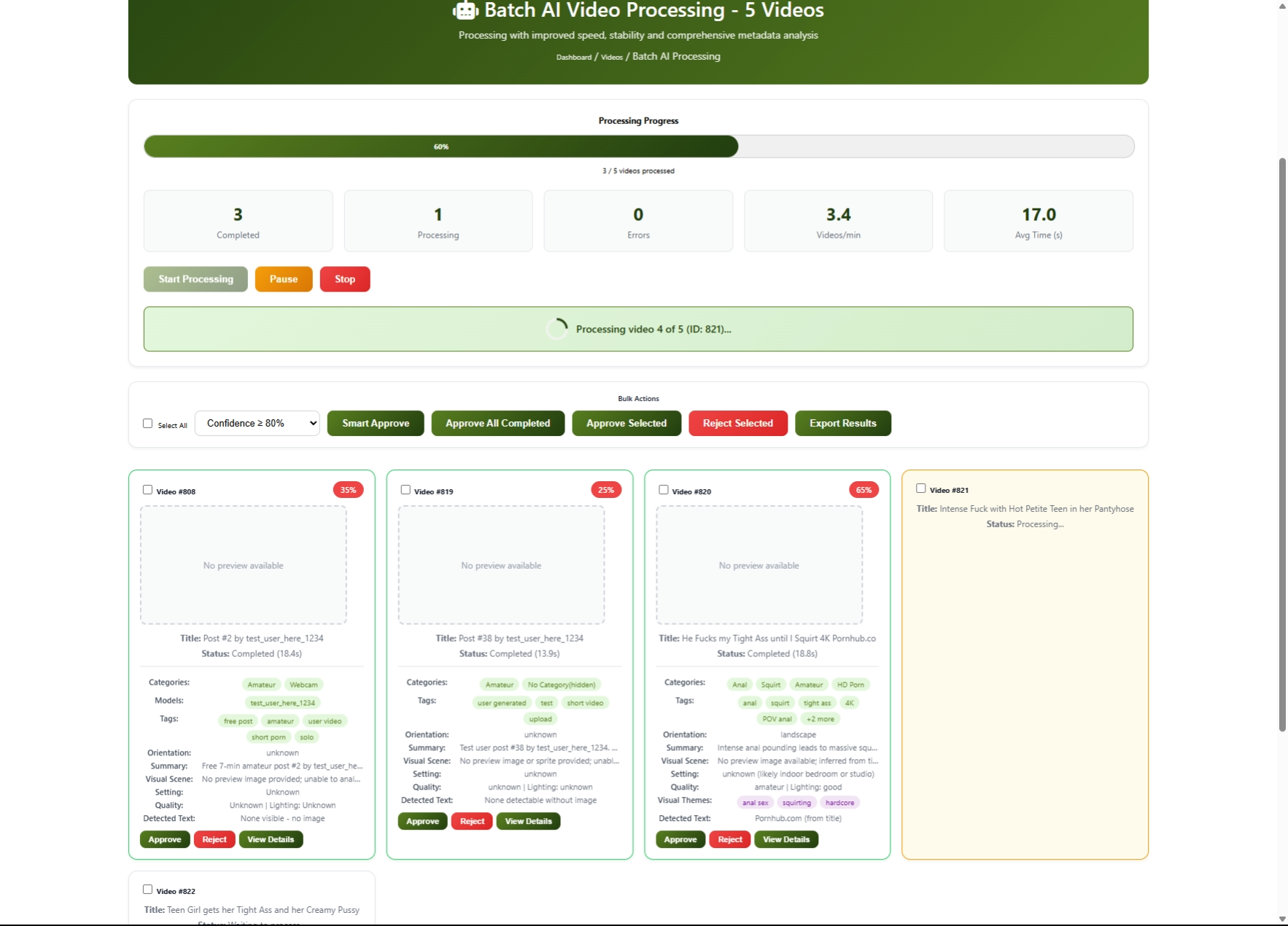
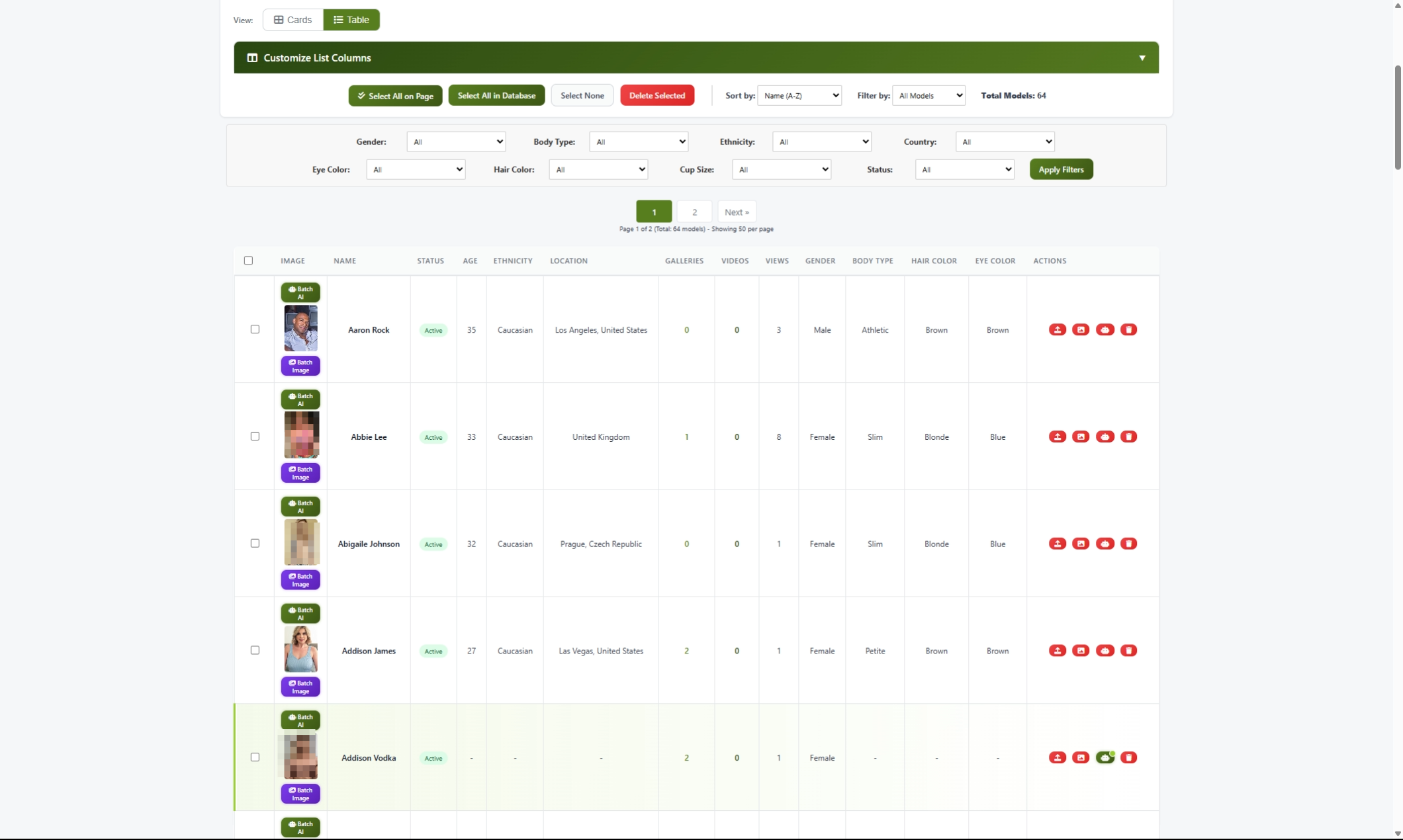
Two decades later, ComusThumbz has evolved into a comprehensive content management system that bears little resemblance to its TGP origins -- yet carries the same DNA of content optimization and traffic intelligence. The platform now runs on PHP 8.3+ with a MySQL database spanning over 200 tables, powering video management with FFmpeg-driven HLS streaming, photo galleries, a live webcam integration system pulling performers from 12 streaming platforms, and a full creator monetization ecosystem with tipping, subscriptions, and pay-per-view content. A REST API with over 470 endpoints and 46 Control Groups that serves the frontend, which supports 25 languages out of the box. Content delivery scales across six CDN providers including BunnyCDN, Wasabi S3, Backblaze B2, and Cloudflare R2, with intelligent file sharding and distributed video processing. The click tracking that once optimized thumbnail placement now feeds a sophisticated analytics system covering impressions, view completion rates, and creator earnings dashboards. GDPR compliance, SEO management, a template system with feature toggles, and LiveKit WebRTC streaming round out a platform that has grown from a single-purpose webmaster tool into a turnkey content platform -- while ImageMagick, one of the original dependencies, still runs under the hood.
What is ComusThumbz?
ComusThumbz is a complete content management system designed for entertainment websites. It provides everything you need to build, manage, and monetize a professional content platform.
Core Features
×
|
×
|

×
|

×
|
×
|
×
|
×
|

×
|

×
|

×
|

×
|
×
|

×
|
×
|

×
|
|||