ComusThumbz 文档
管理员登录

Welcome

WELCOMEedited-image.png

Welcome to ComusThumbz

Document Version: 1.0.0
Last Updated: 2026-01-02
Applies To: ComusThumbz 


Overview

Welcome to ComusThumbz - the high-powered website automation platform for content management. This comprehensive system combines video tube functionality (youtube), photo gallery aggregation (TGP's), live webcam performer integration (camshows), and creator monetization (onlyfans) into a single, powerful platform.

edited-image.png


What is ComusThumbz?

ComusThumbz is a complete content management system designed for adult entertainment websites. It provides everything you need to build, manage, and monetize a professional adult content platform.

Core Features

Feature Description
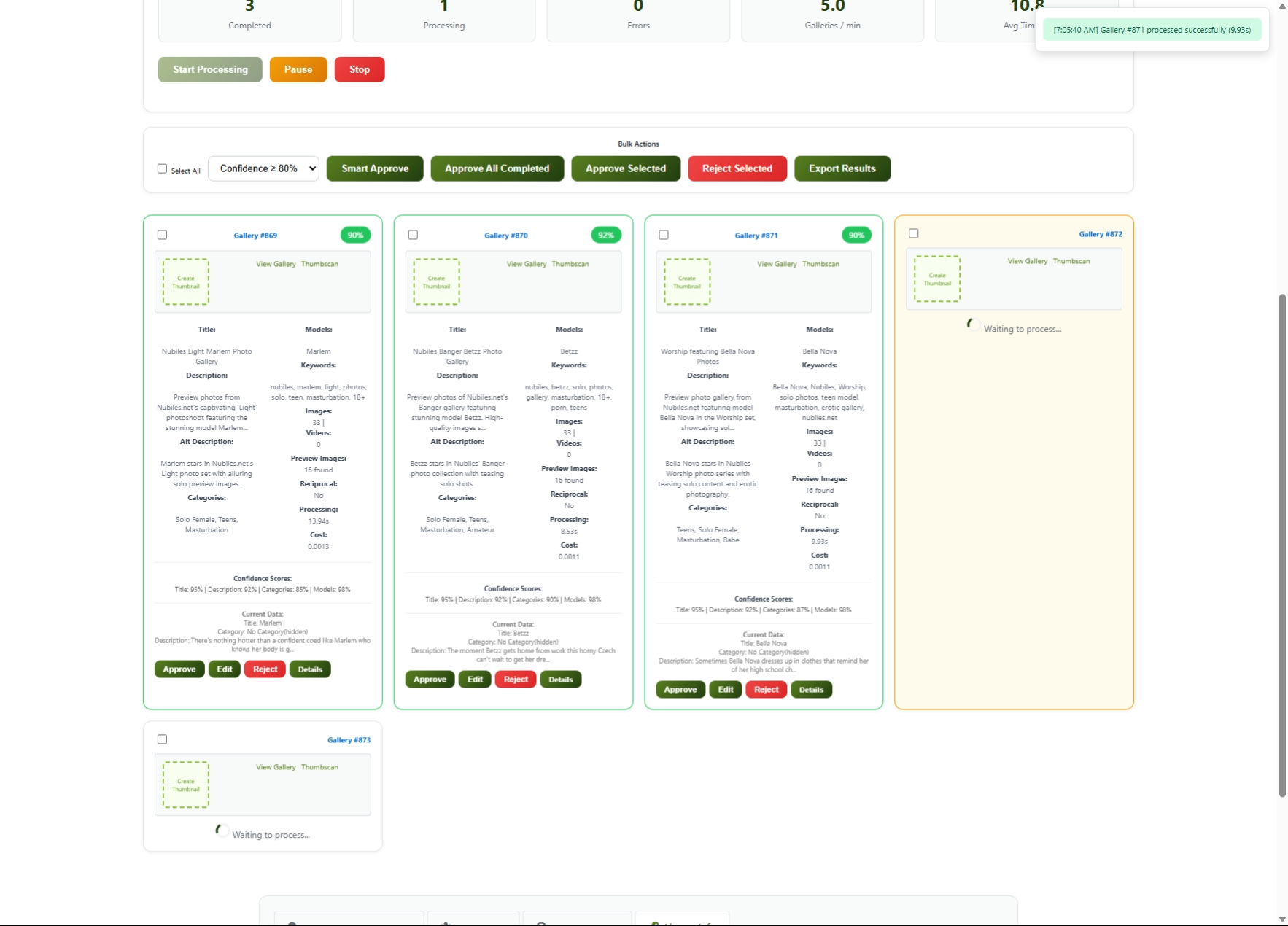
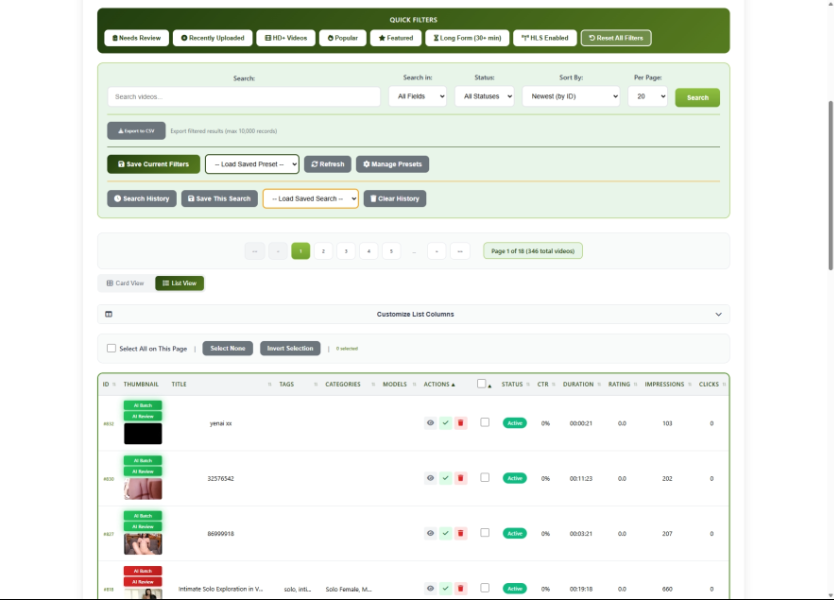
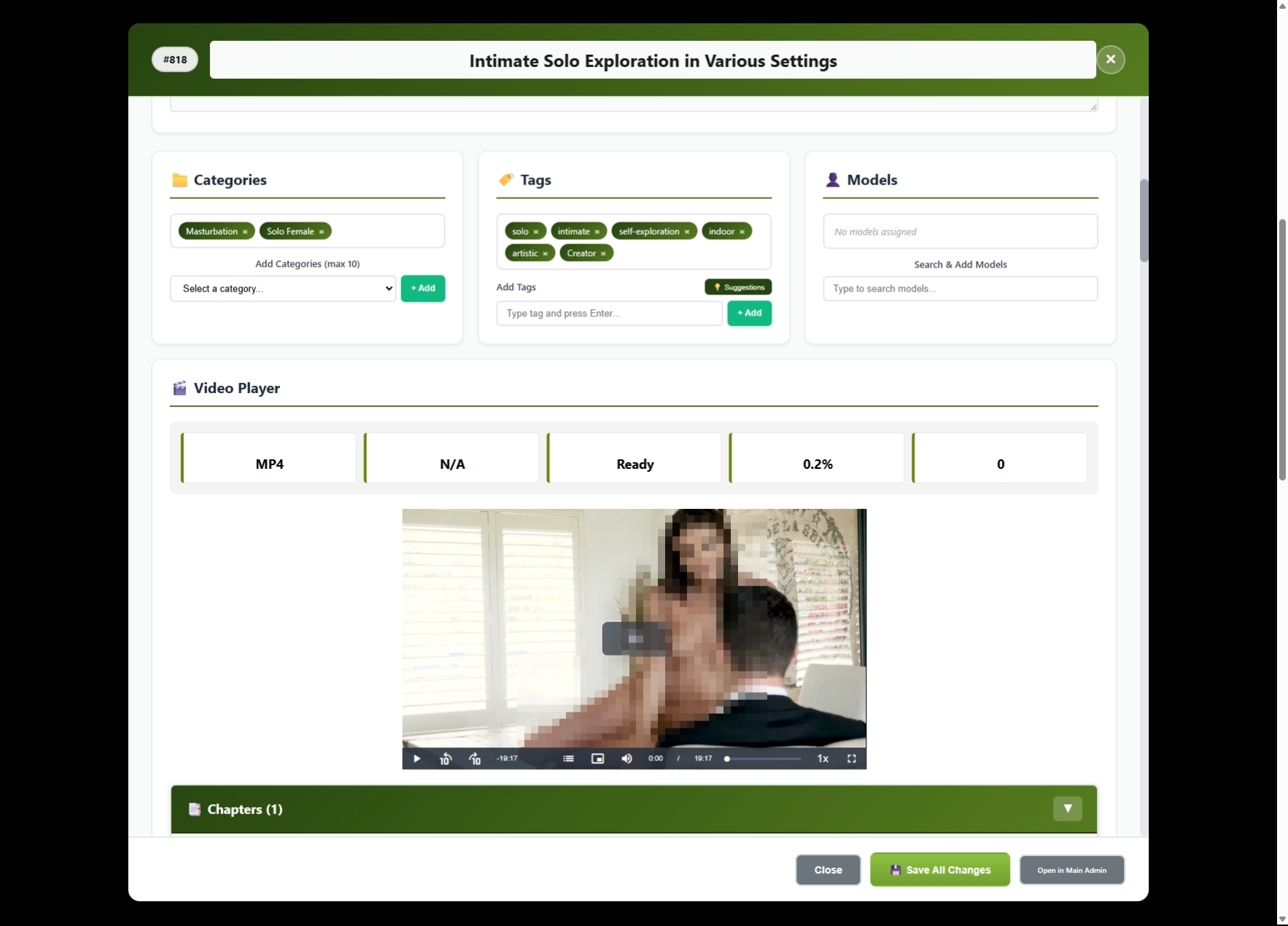
Video Management Upload, process, and stream videos with HLS support, automatic thumbnails, and CDN integration
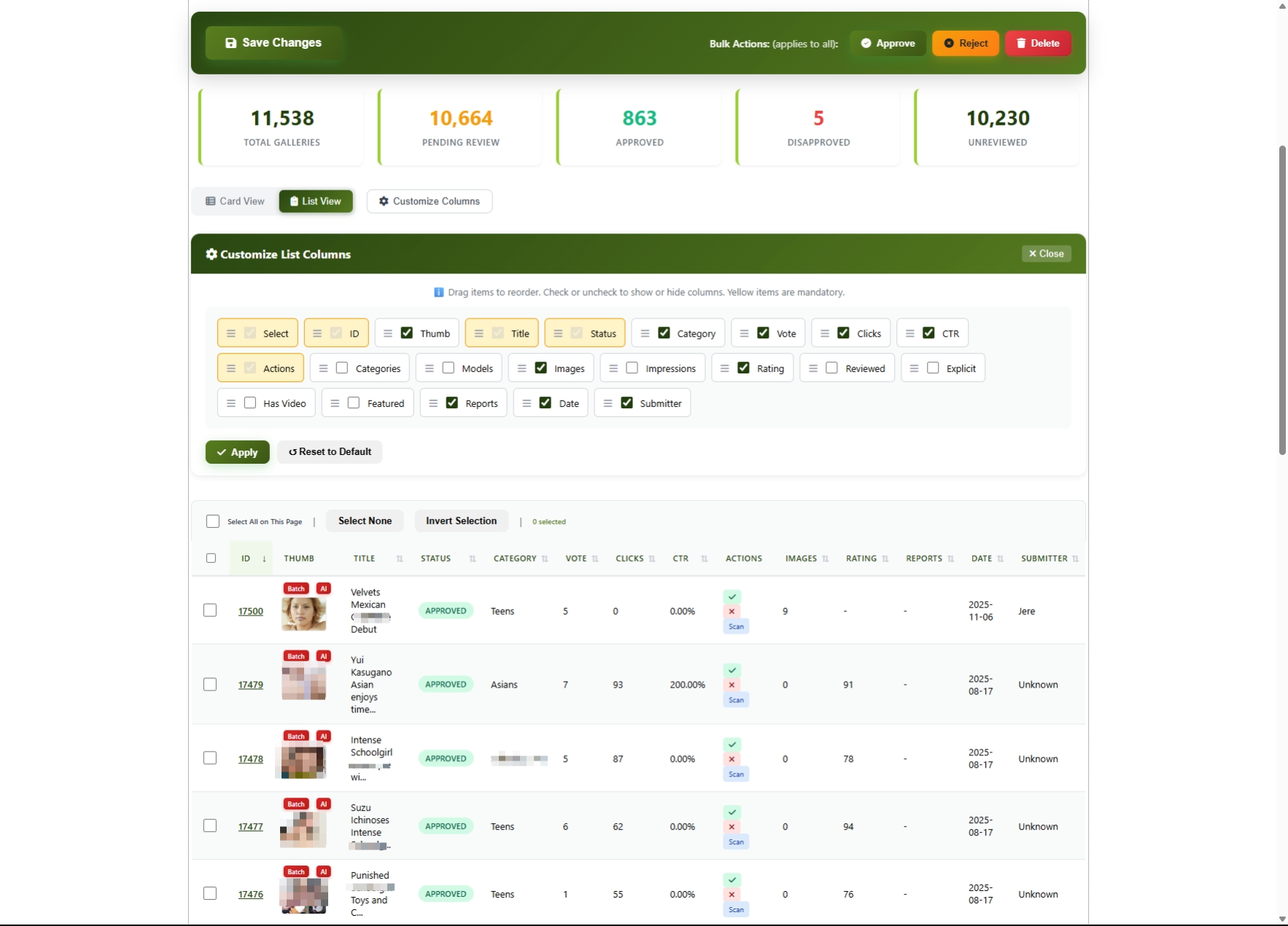
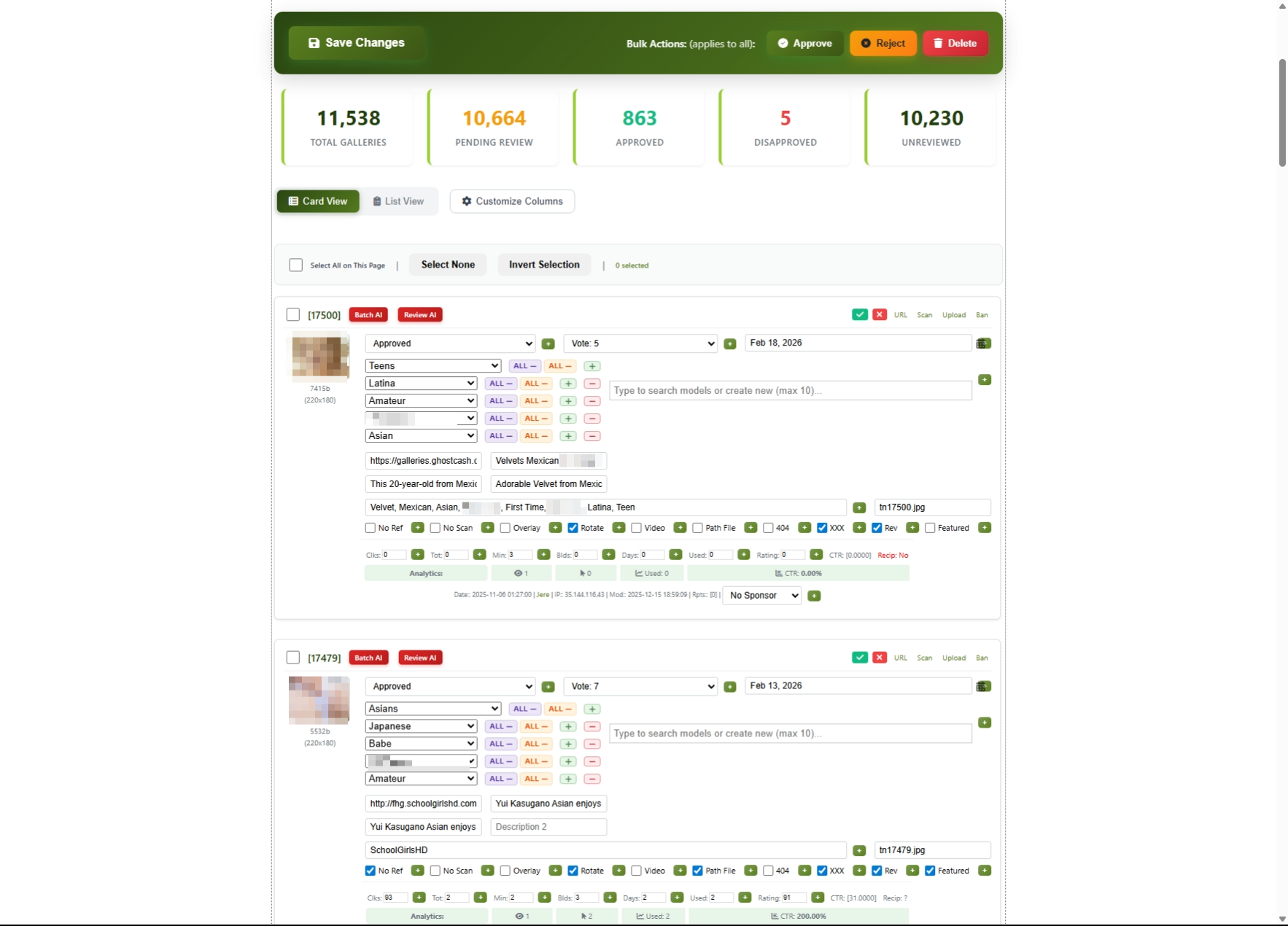
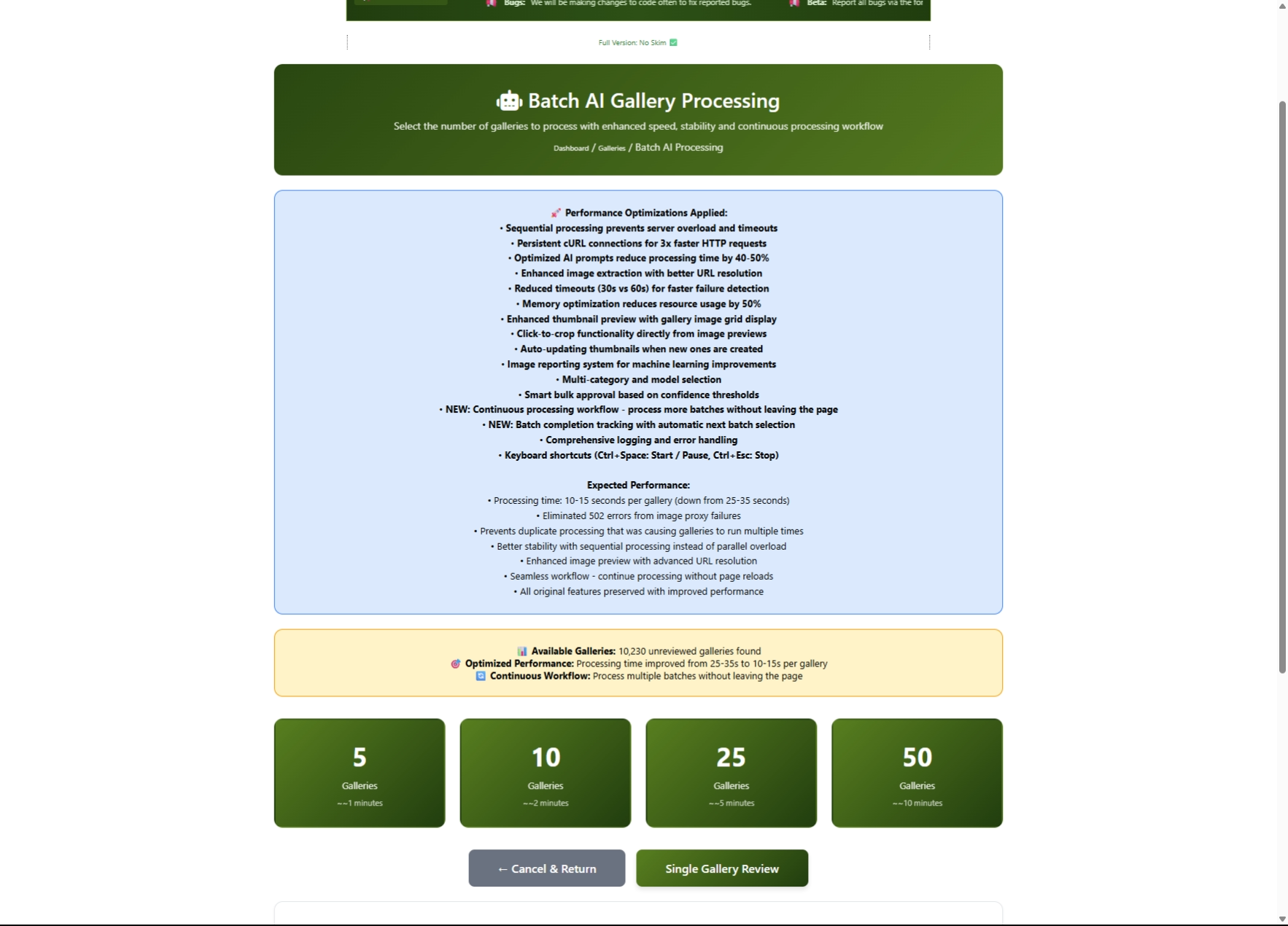
Gallery System Aggregate and manage photo galleries with AI-powered content review
Live Cams Integration Aggregate performers from 11+ major cam sites (Chaturbate, Stripchat, BongaCams, etc.)
Creator Platform OnlyFans-style subscription system with tips, PPV content, and creator walls
Traffic Monetization Click tracking, affiliate link management, and sponsor integration
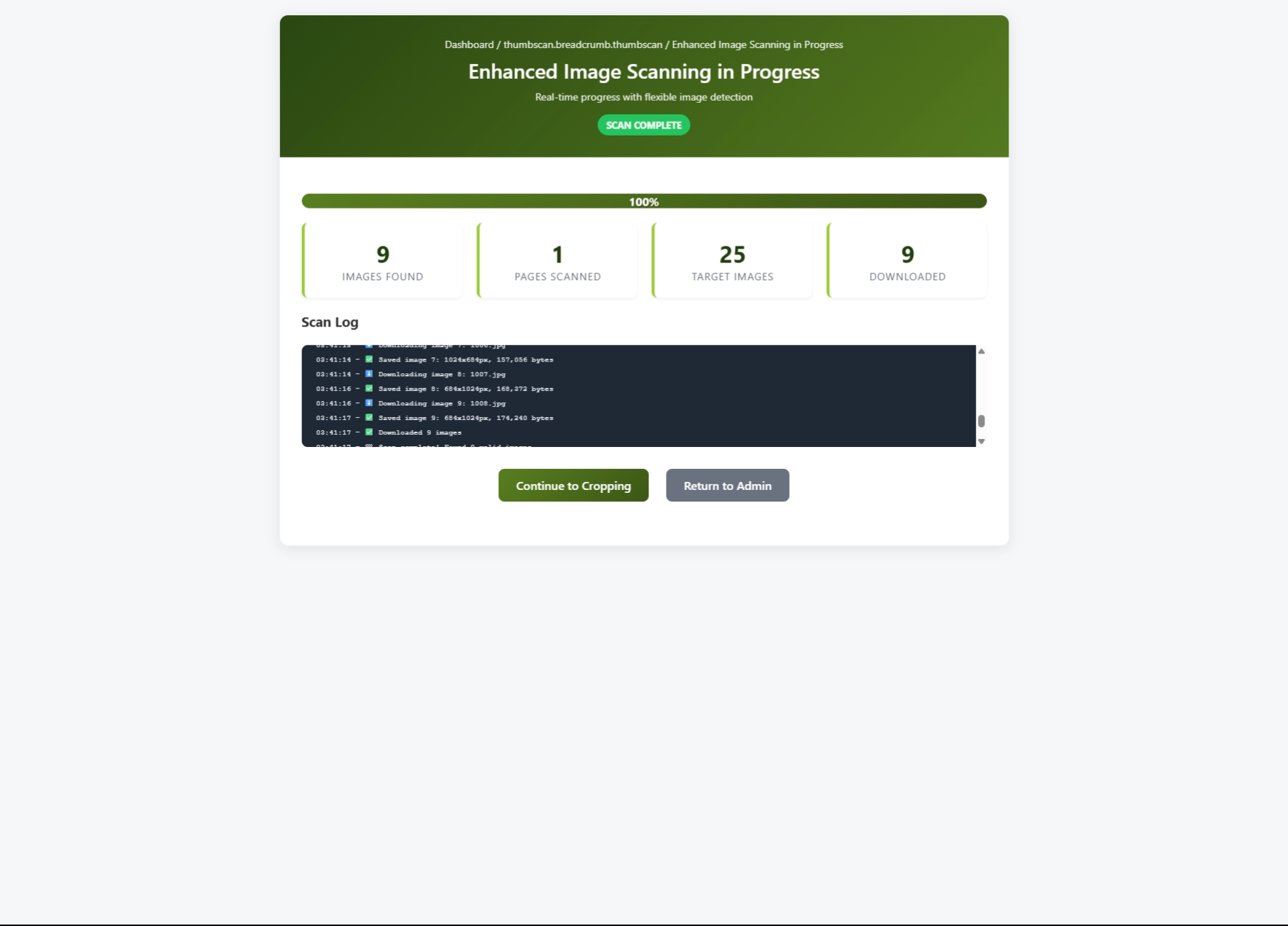
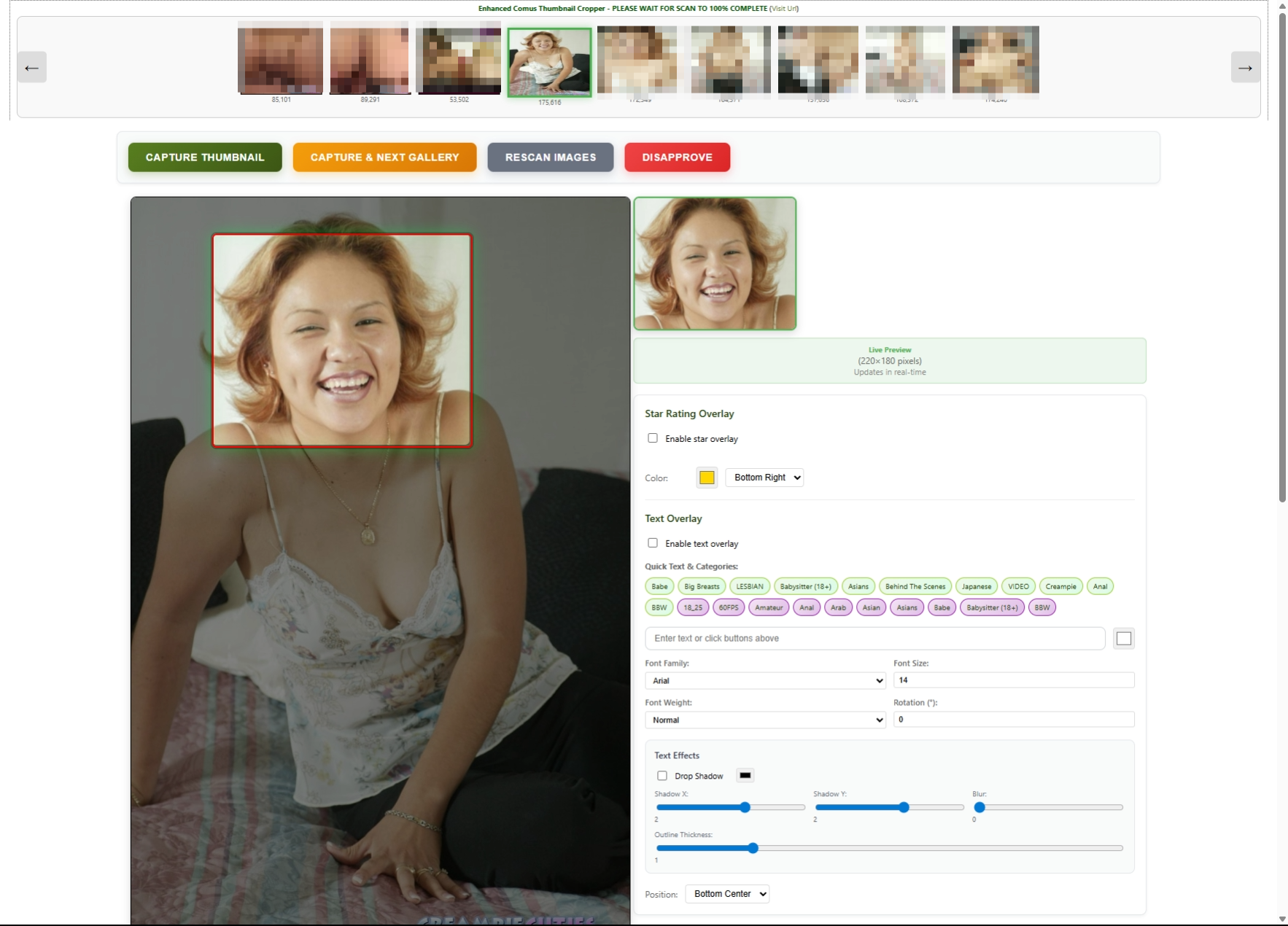
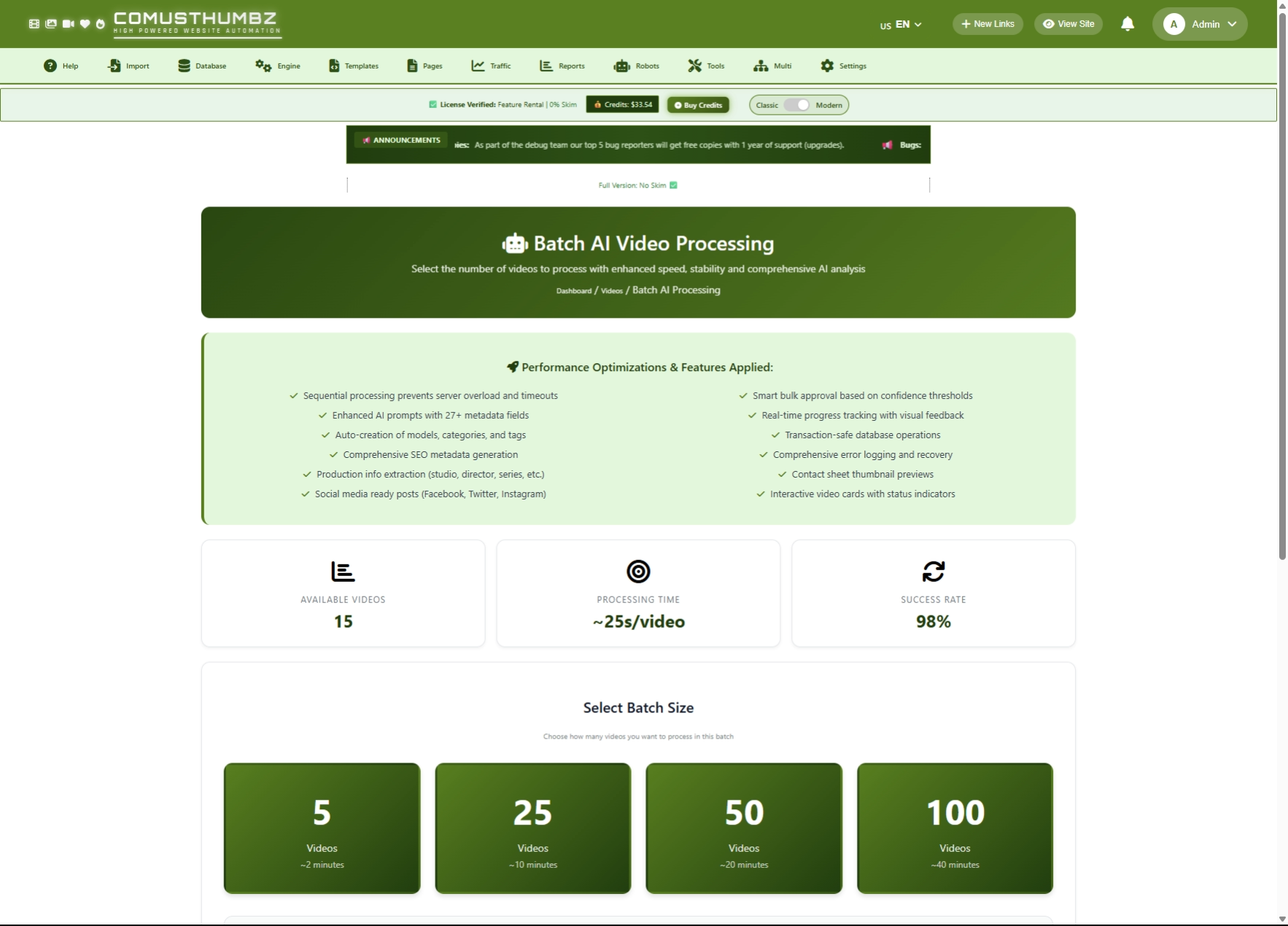
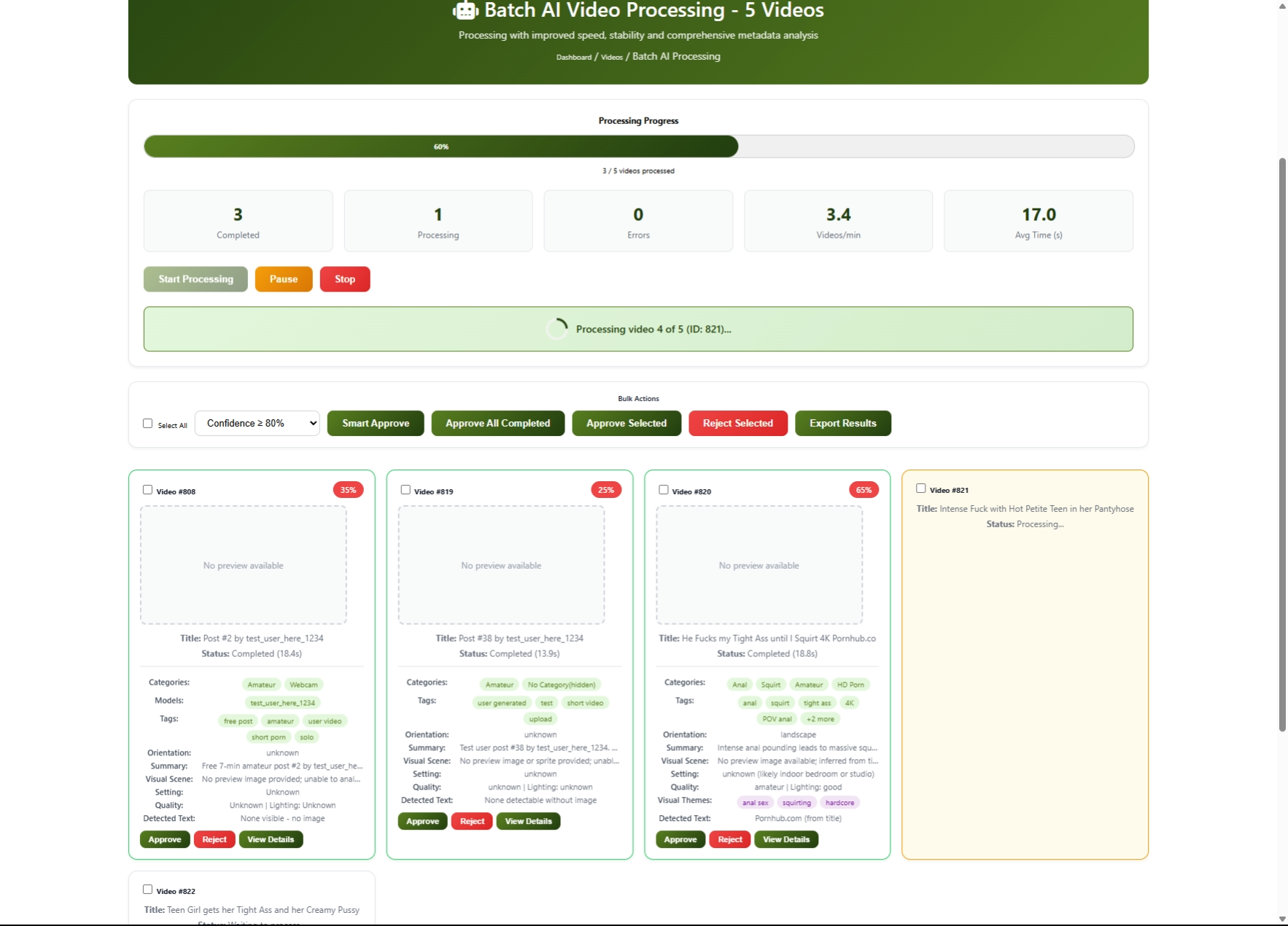
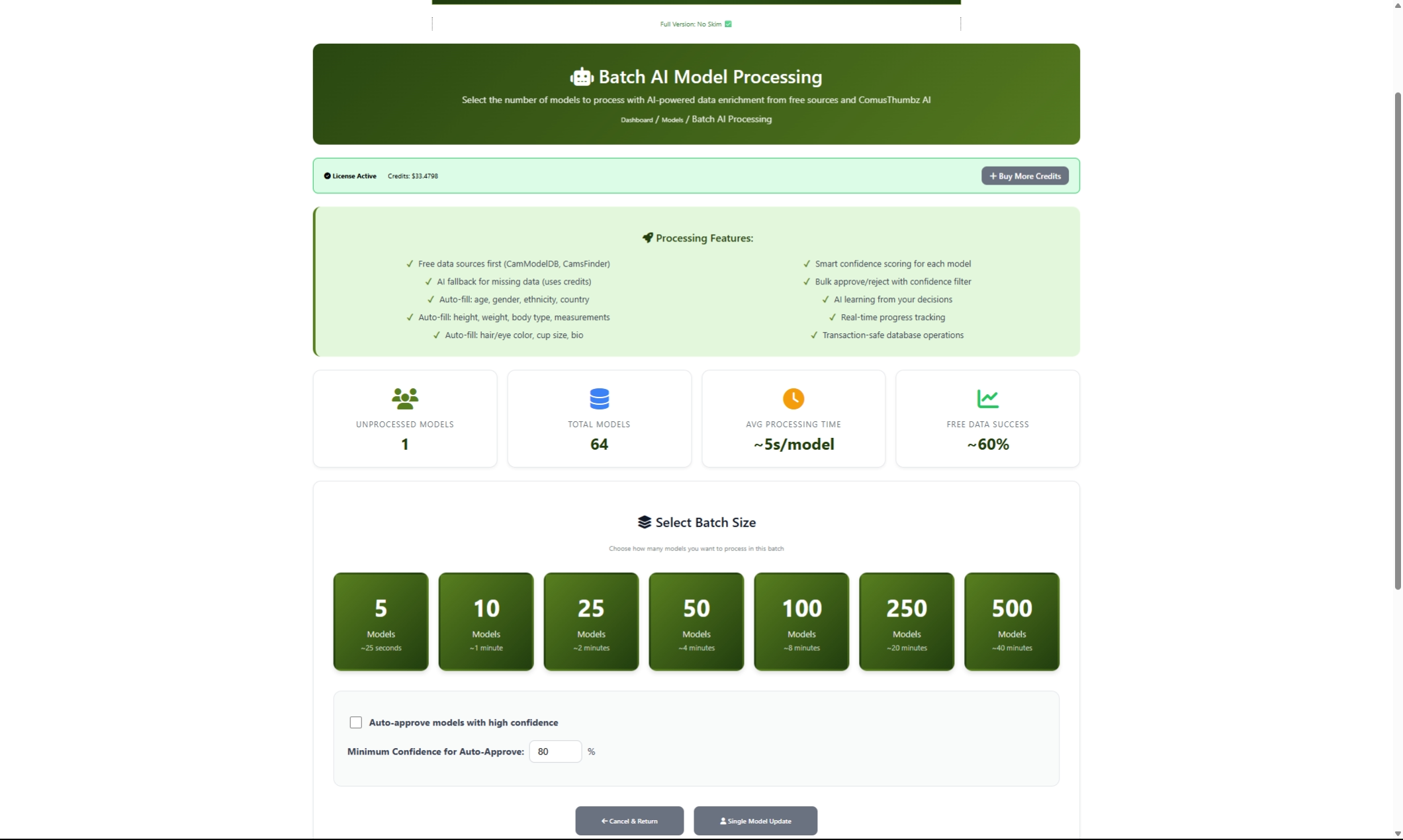
AI-Powered Tools Automated content review, thumbnail cropping, and model data enrichment

Quick Start Guide

Step 1: Verify Your Installation

After installation, verify these essentials are working:

  1. Admin Panel Access - Navigate to Admin Panel at yourdomain.com/ct/admin/
  2. License Status - Check your license in Admin Panel > Settings > License
  3. Cron Jobs - Ensure the main cron is running every minute (see Requirements page) path/to/ct/admin/cron/site_cron.php    EXAMPLE: /home/admin/web/yourdomain.com/public_html/ct/admin/cron/site_cron.php >> /home/admin/web/yourdomain.com/public_html/ct/logs/site_cron.log 2>&1
Tip:
If you just completed installation, the installer should have set up most of these automatically. Check the post-installation checklist to ensure nothing was missed.

Step 2: Configure Essential Settings

Navigate to Admin Panel > Settings > Settings Control Center to configure:

Setting Location Priority
Site Name & Description Site Information High
Admin Password MySQL Setup High
Database Connection MySQL Setup Critical
Thumbnail Sizes Thumbnails Medium
FFmpeg/ImageMagick Paths Admin Control High

Step 3: Set Up Content

Task Location Description
Add Categories Database > Categories Create content categories for organization
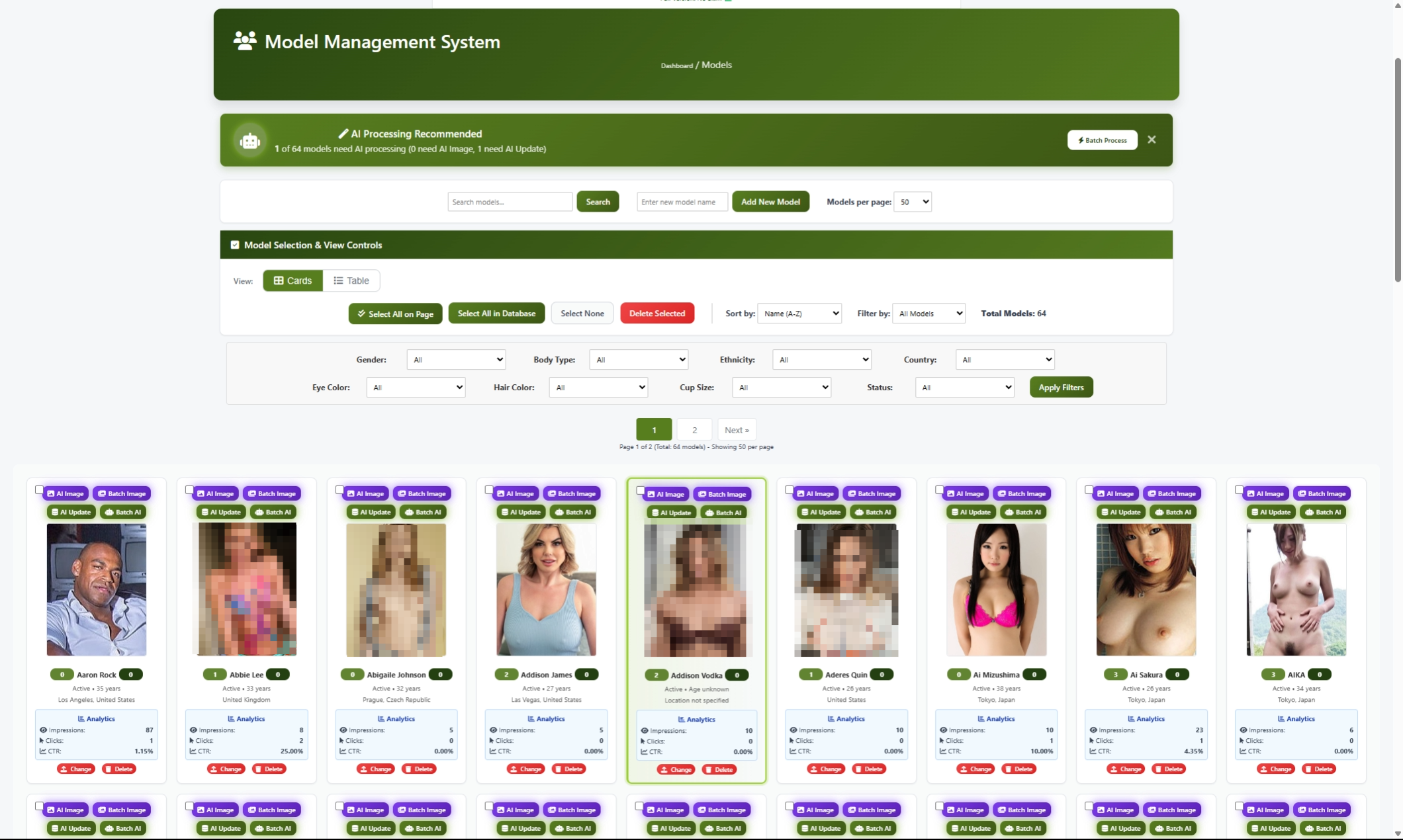
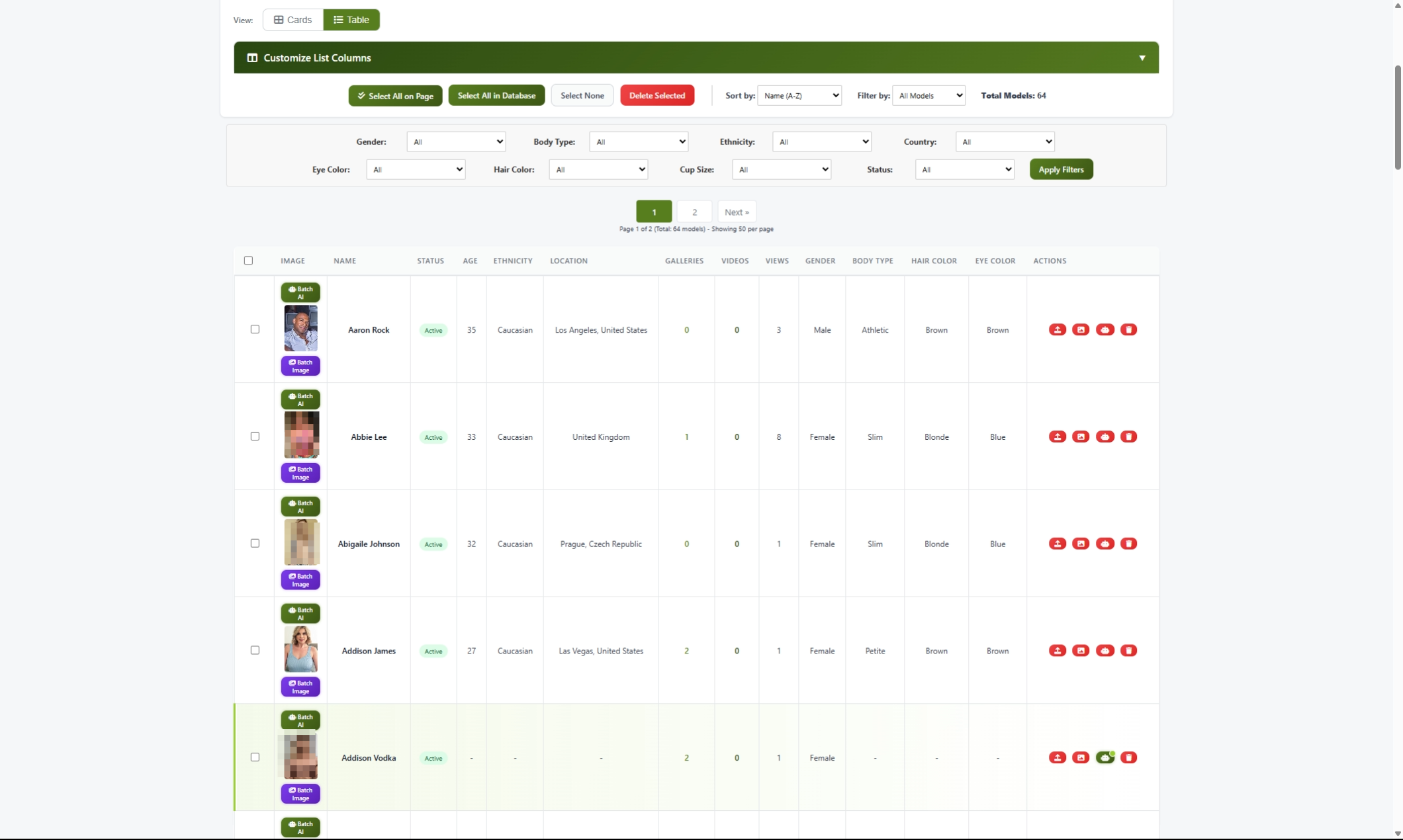
Add Models Database > Models Add performer/model profiles
Import Videos Import > Video Bulk Import Bulk import videos via CSV
Import Galleries Import > Gallery Bulk Import Bulk import galleries via CSV
Configure Cams Settings > Cam API Settings Enable live cam performer aggregation

Step 4: Configure Monetization

Feature Location Description
Payment Providers Settings > Payment Providers Configure Stripe, PayPal, or other processors
Access Packages Settings > Access Packages Set up VIP memberships and token packages
Creator Platform Settings > Creator Settings Enable creator monetization features
Banner Ads Advertising > Banner Management Set up banner advertising

Platform Architecture

ComusThumbz follows a clean architecture separating frontend, backend, and API layers:

yourdomain.com/                  Frontend (User-facing pages)
├── index.php                    Homepage
├── videos.php                   Video browsing
├── videoplayer.php             Video playback
├── galleries.php                Gallery browsing
├── models.php                   Model directory
├── camperformers.php           Live performers
├── auth/                        Login/Register
└── settings/                    User settings

yourdomain.com/ct/ Backend (Admin & Scripts)
├── admin/ Admin panel
├── api/v1/ REST API (82+ endpoints)
├── dat/ Configuration
├── includes/ PHP classes
 â””── logs/ Application logs


Key Concepts

Content Types

Type Description Storage
Videos Video files with metadata, thumbnails, and streaming tblVideos, CDN storage
Galleries Photo collections from external sources tblTgp, thumbnails
Models Performer profiles linked to content tblModels
Cam Performers Live performers from integrated cam sites tblCamsPerformers
Creator Posts Social media-style posts with media tblCreatorPosts

User Types

Type Description Capabilities
Visitor Not logged in View free content only
Member Free registered user Favorites, playlists, comments
VIP Paid subscription Access premium/VIP content
Creator Verified creator account Post content, receive tips, subscriptions
Admin Administrator Full admin panel access

Click Tracking System

Warning:
Critical: All external links MUST route through click.php for proper tracking and monetization. Direct external links result in 100% skim penalty and break analytics.
// CORRECT - Always use click.php
<a href="click.php?url=<?php echo urlencode($url); ?>&type=video&id=<?php echo $id; ?>">

// WRONG - Never link directly
 <a href="https://external-site.com">


Dashboard Overview

The admin dashboard provides a comprehensive overview of your site:

Quick Actions Bar

Navigate quickly to common tasks:

  • Videos - Video management
  • Cams - Cam performer management
  • Creators - Creator platform management
  • Galleries - Gallery management
  • Reports - Analytics and reports
  • Settings - Configuration options

Analytics Section

Four-column analytics display:

  1. Submissions by Date - Content added over the last 14 days
  2. Content & Categorization - Active/pending content counts
  3. Traffic & Members - Views, clicks, and member stats
  4. Errors & Alerts - Issues requiring attention

Alerts Panel

The dashboard surfaces important issues:

  • Pending Videos - Content awaiting review
  • Processing Errors - Failed video processing
  • User Reports - Flagged content
  • Failed Logins - Security concerns

Getting Help

Documentation Resources

Resource Location Description
User Guides This documentation Step-by-step feature guides
Online Manual comusthumbz.com/manual Full product manual
API Documentation Admin > Tools > API Tester Interactive API testing
Video Tutorials Coming soon Video walkthroughs

Support Channels

Channel Use For
Support Tickets Technical issues, bugs
Discord Community Tips, questions, community help
Email Support License and billing questions

Built-in Help

Many admin pages include contextual help:

  • Hover tooltips - Hover over icons for quick tips
  • Info boxes - Blue info boxes explain features
  • Page footers - Comments, bug reports, and help tabs

Terminology Quick Reference

Term Definition
TGP Thumbnail Gallery Post - legacy term for photo galleries
CDN Content Delivery Network - external file hosting
HLS HTTP Live Streaming - adaptive video streaming
PPV Pay-Per-View - individual content purchases
Skim Traffic redirect percentage (license-based)
Token Virtual currency for tips/purchases

Version Information

  • Current Version: 1.11.14
  • PHP Version Required: 8.0+ (8.3 recommended)
  • Database: MySQL 5.7+ / MariaDB 10.3+
  • License: Commercial with optional skim-based free tier
Success:
You're all set! Explore the documentation to learn about each feature, or dive right in and start configuring your site.

Changelog

Date Version Changes
2026-01-02 1.0.0 Initial welcome guide created

End of Welcome Guide